A collaborative research workflow
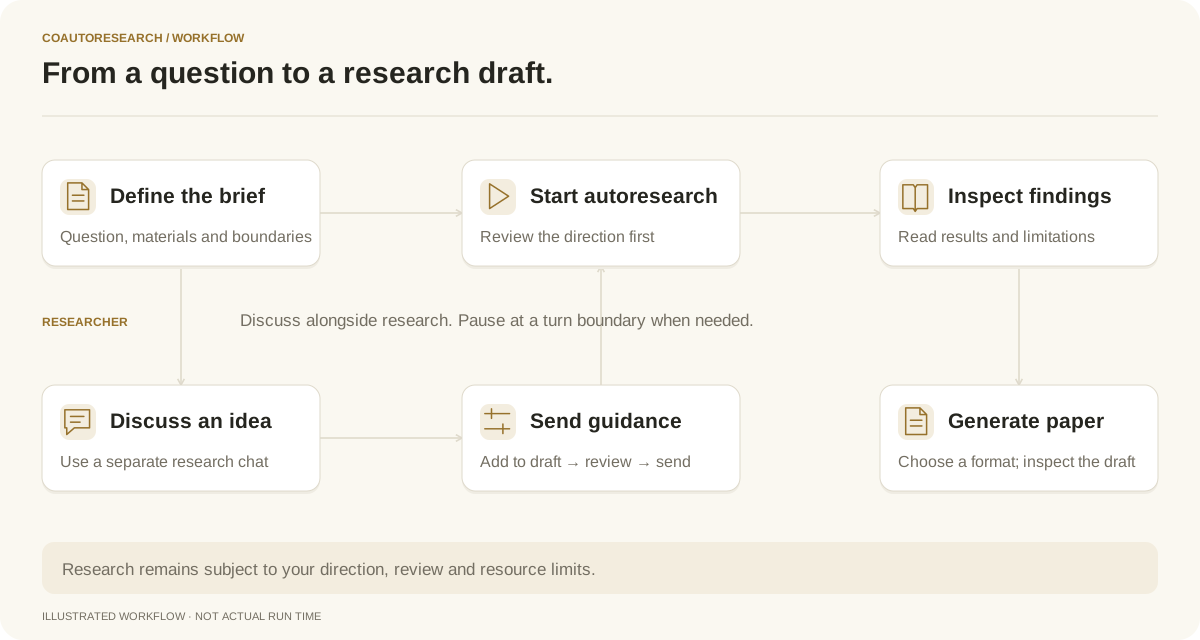
This guide follows the product controls from an initial question to a paper draft. It describes a workflow, not an experimental result or an external user case study. Use your own research question, materials and evaluation criteria.
For product-generated research drafts, open the example papers.
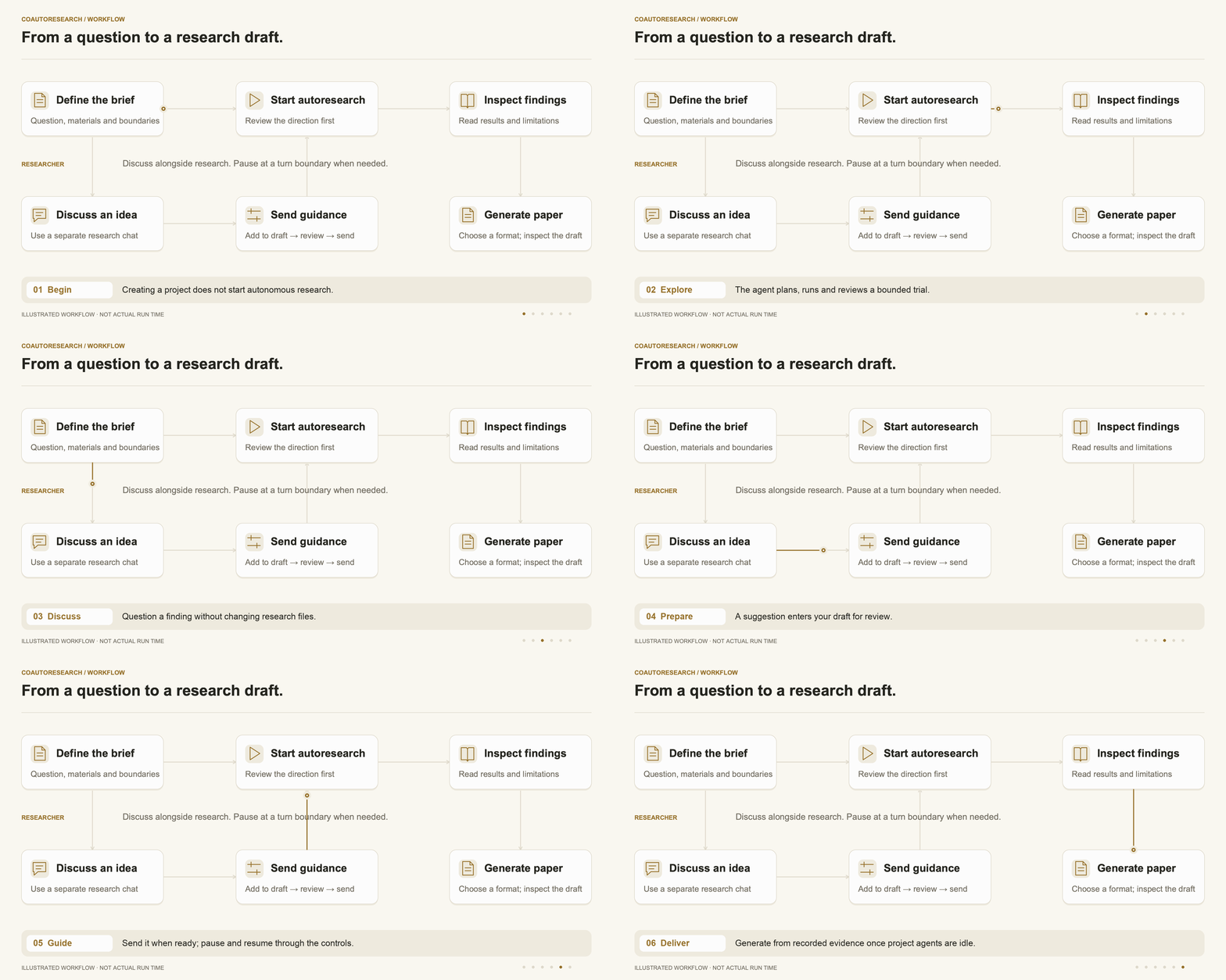
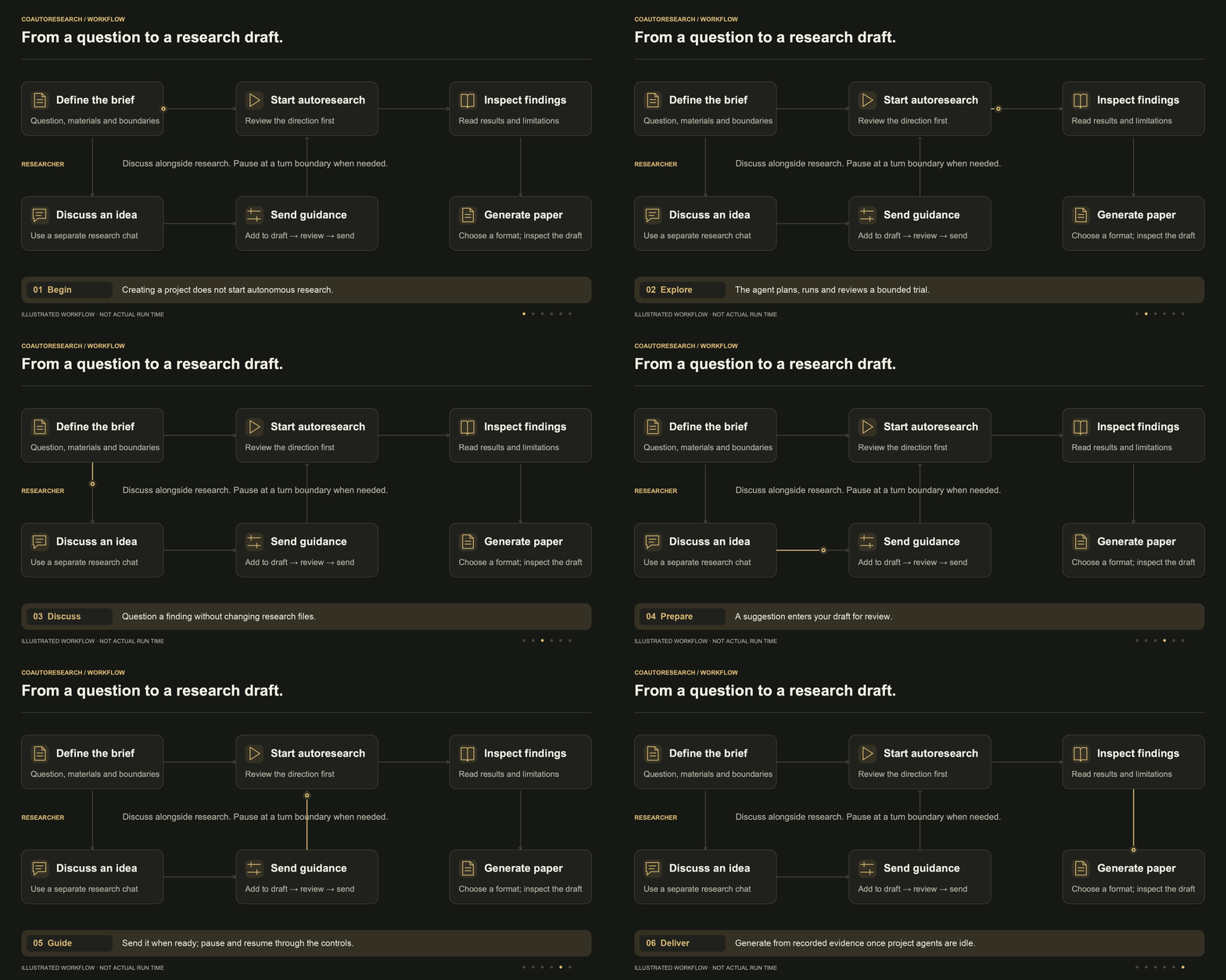
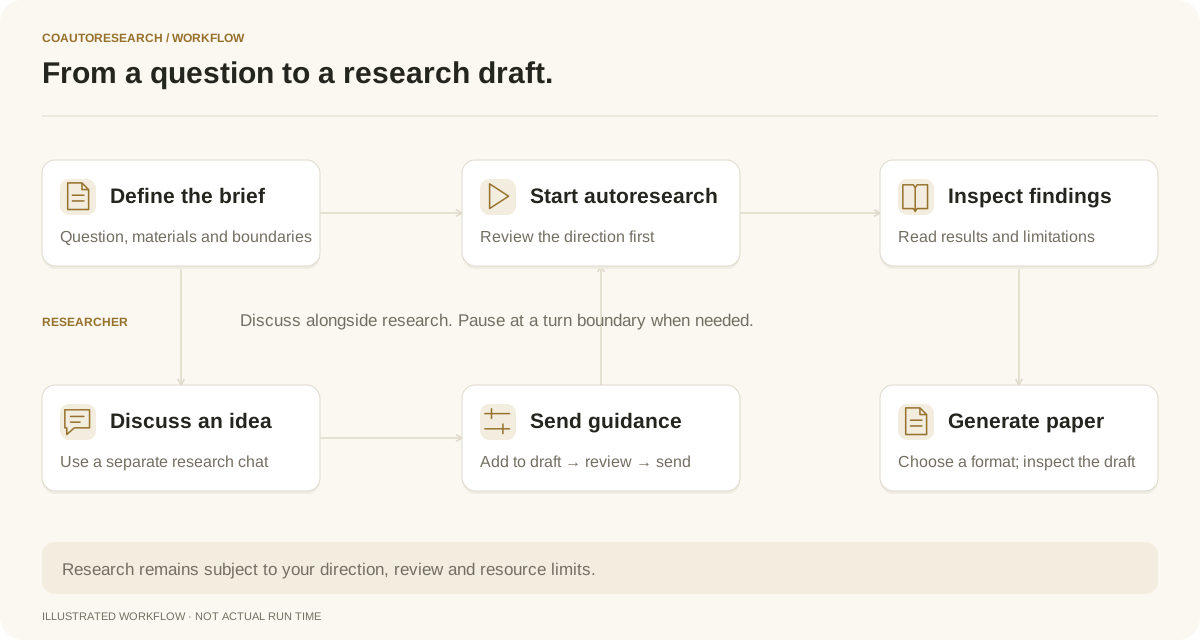
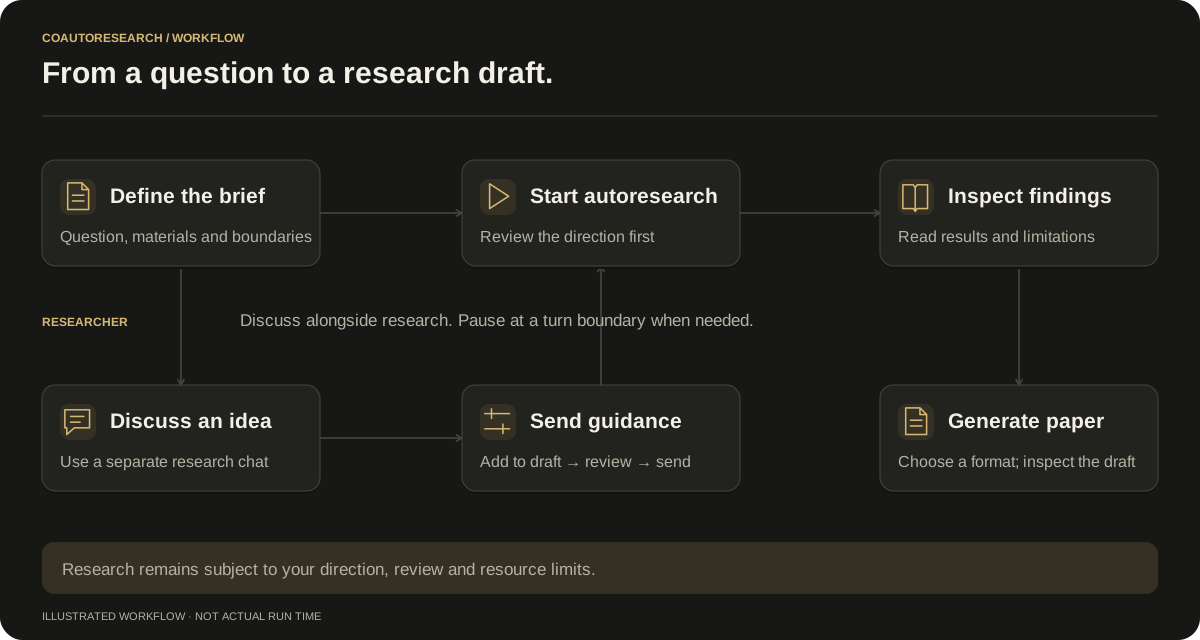
Illustrated workflow; timing is schematic. Static diagram.
Browse an existing research project
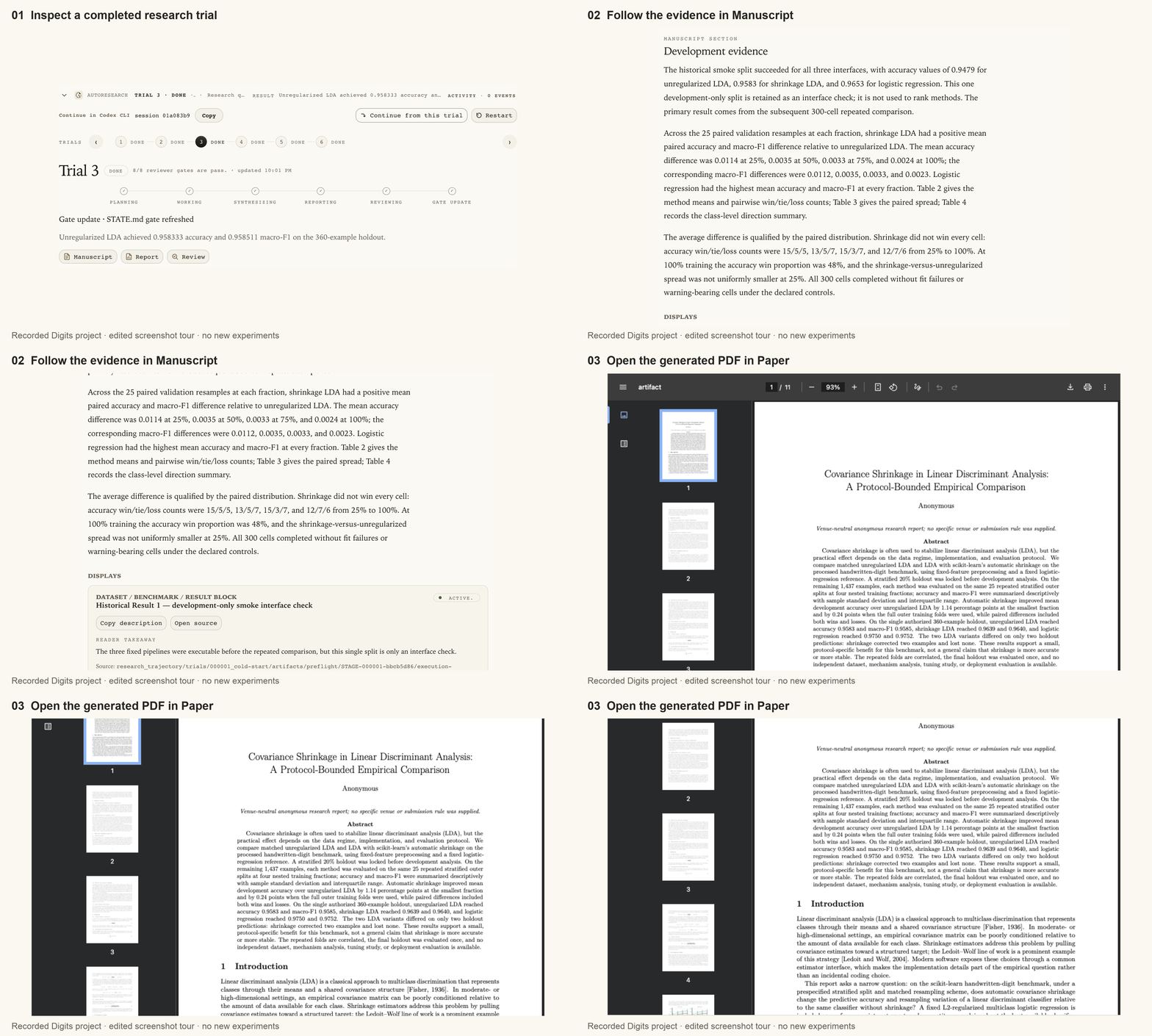
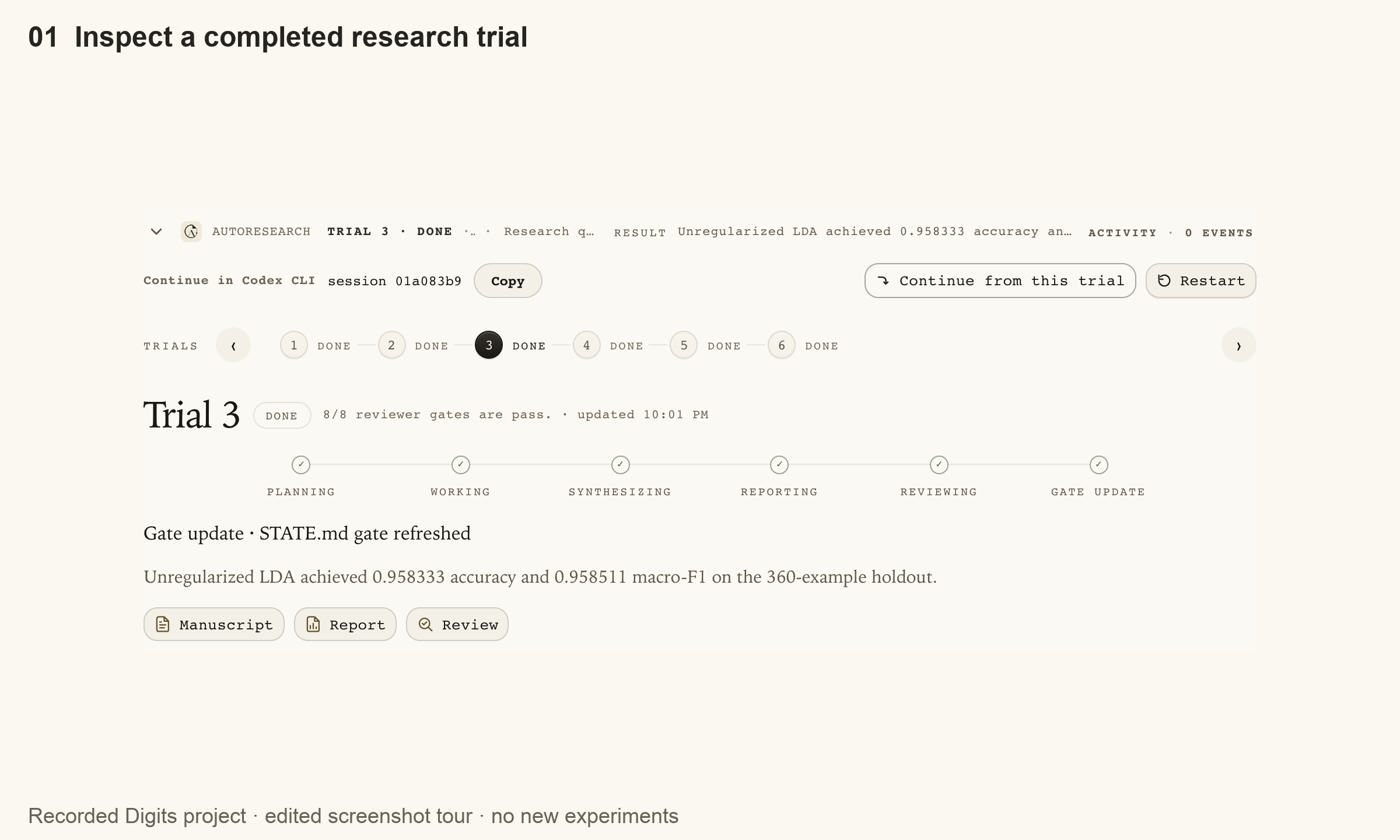
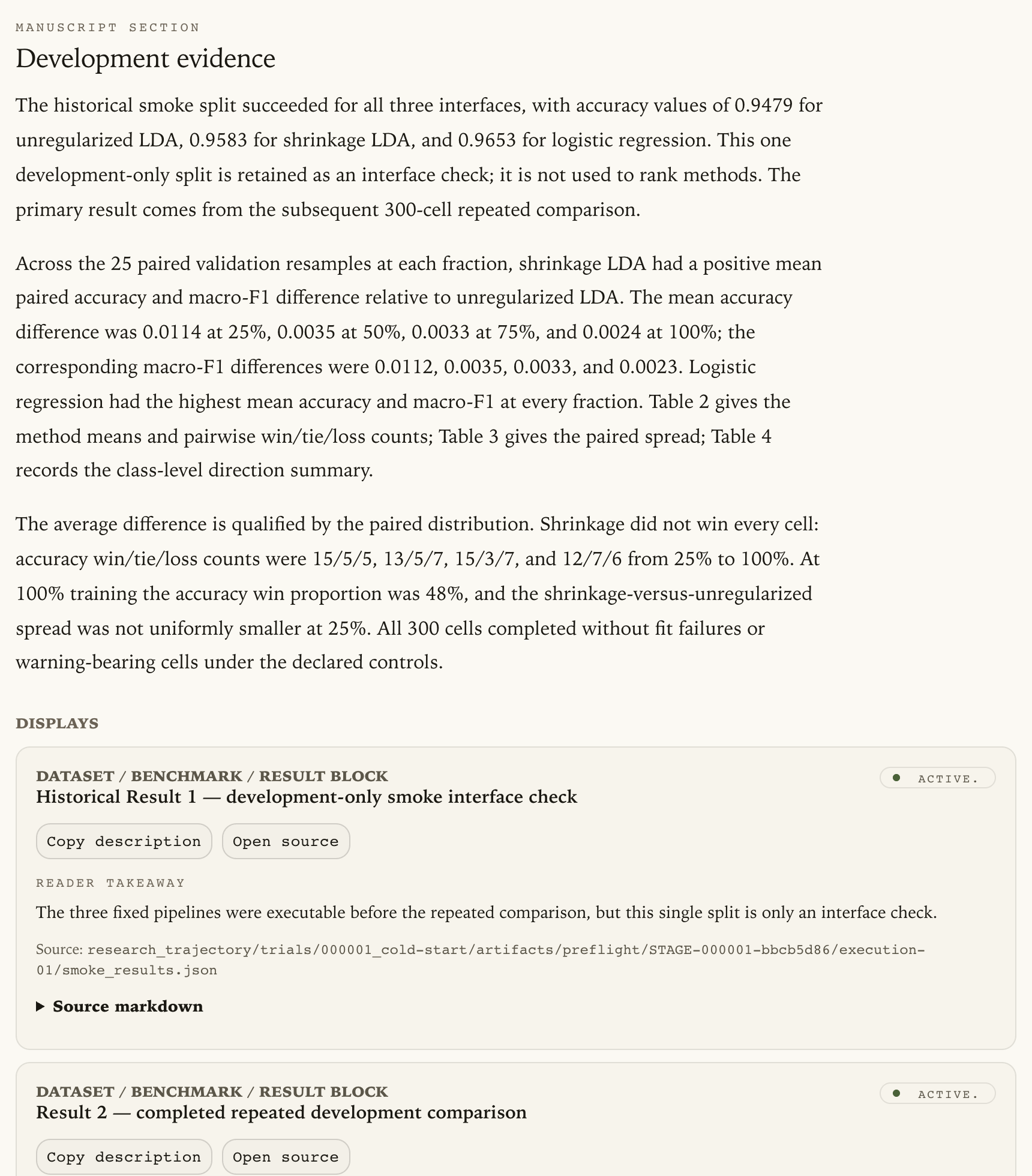
This three-view, 36-second tour uses cropped screenshots from real browser navigation through an existing developer-operated Digits project. It is an edited slideshow, not a continuous recording or a measurement of research speed. No new experiments were run. All views shown in the tour are in English.
Screenshots
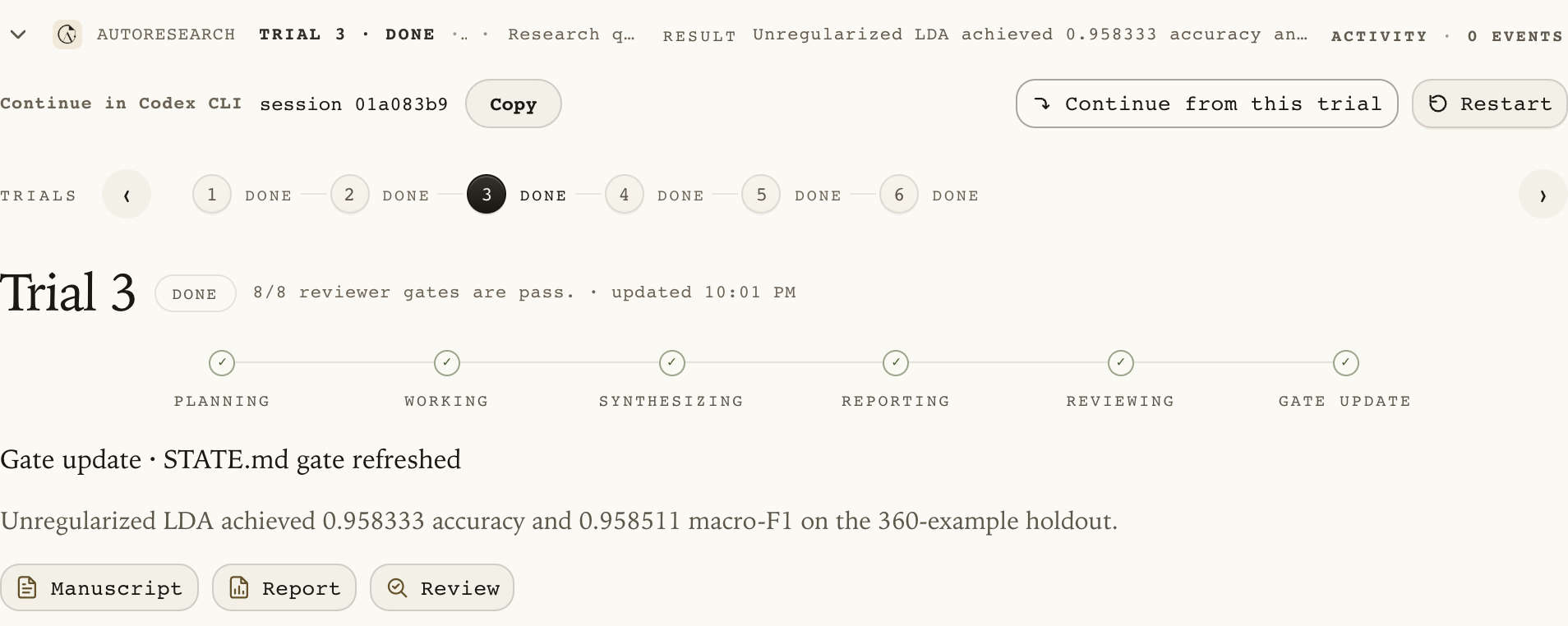
Open a PNG to read the original-resolution capture. The tour above moves through cropped portions of these still images; it does not depict live agent execution.
1. Define the question and its boundaries
Choose Create project. In the research brief, explain what you want to understand, what material is available and which constraints matter. A proposal or work already in progress is a valid starting point.
Include time and compute limits, exclusions and any actions that require a
separate decision. If a final evaluation must wait for your approval, name it
explicitly. Send the brief and review the prepared PROJECT.md: check that the
agent retained those conditions before choosing Start autoresearch.
Creating the project and discussing the brief do not start autonomous research. The first launch begins Trial 1, a focused research iteration. Starting the process does not waive a separate approval condition in your brief.
2. Follow the research while discussing it
The Research session shows the current action and research progress. Open live activity for the agent’s updates; use technical details when investigating a specific issue. A completed command alone is not a reviewed research result.
Choose New chat to discuss the project in parallel. You might ask whether a comparison is fair, an assumption is justified or a finding needs a different analysis. This discussion can inspect the project without directly editing its research files.
When the response suggests a useful change, choose Add to research draft. The main input is filled for review. Edit the wording to state the intended scope, then send it. A draft alone has not instructed the main research. If the agent is busy, the message can wait in the queue; review the queued item before it is processed. During autoresearch, queued messages are answered after a trial has been reviewed and recorded. Review the reply, then choose Resume autoresearch to start the next trial. Pausing an unfinished trial leaves its messages queued until that trial finishes; stopping a run does not send them. You can also queue a follow-up while a trial is paused. Use New chat for an immediate discussion. Stop and Send is available during ordinary chat turns; unfinished autoresearch trials keep follow-ups queued to preserve their recovery state.
3. Pause, inspect and continue
Choose Pause after current turn to stop automatic continuation at the current agent-turn boundary. Pause requested confirms the request; Paused confirms the boundary has been reached. The trial may still be unfinished.
Use Resume autoresearch to continue the current process. Read the dialog’s summary and add guidance when needed. A blank instruction retains existing guidance for an unfinished trial. Stop current run interrupts execution and can leave incomplete work. Restart autoresearch restores the first-launch direction and inputs, archives later research work and starts again at Trial 1. Read its consequences before confirming.
4. Check what the research actually established
Open Trials for earlier iterations and Reviews for their checks. Inspect supporting evidence, limitations and any requested human decision. Compare the next plan or result with the suggestion you sent: a queued message or pending intervention is not proof that the requested analysis has happened.
Results can show an improvement, a tie, a negative finding or a technical failure. Keep those distinctions. Recorded in project means the service accepted the reviewed change into the research record; it does not mean external publication, independent replication or scientific proof.
5. Build and review a paper draft
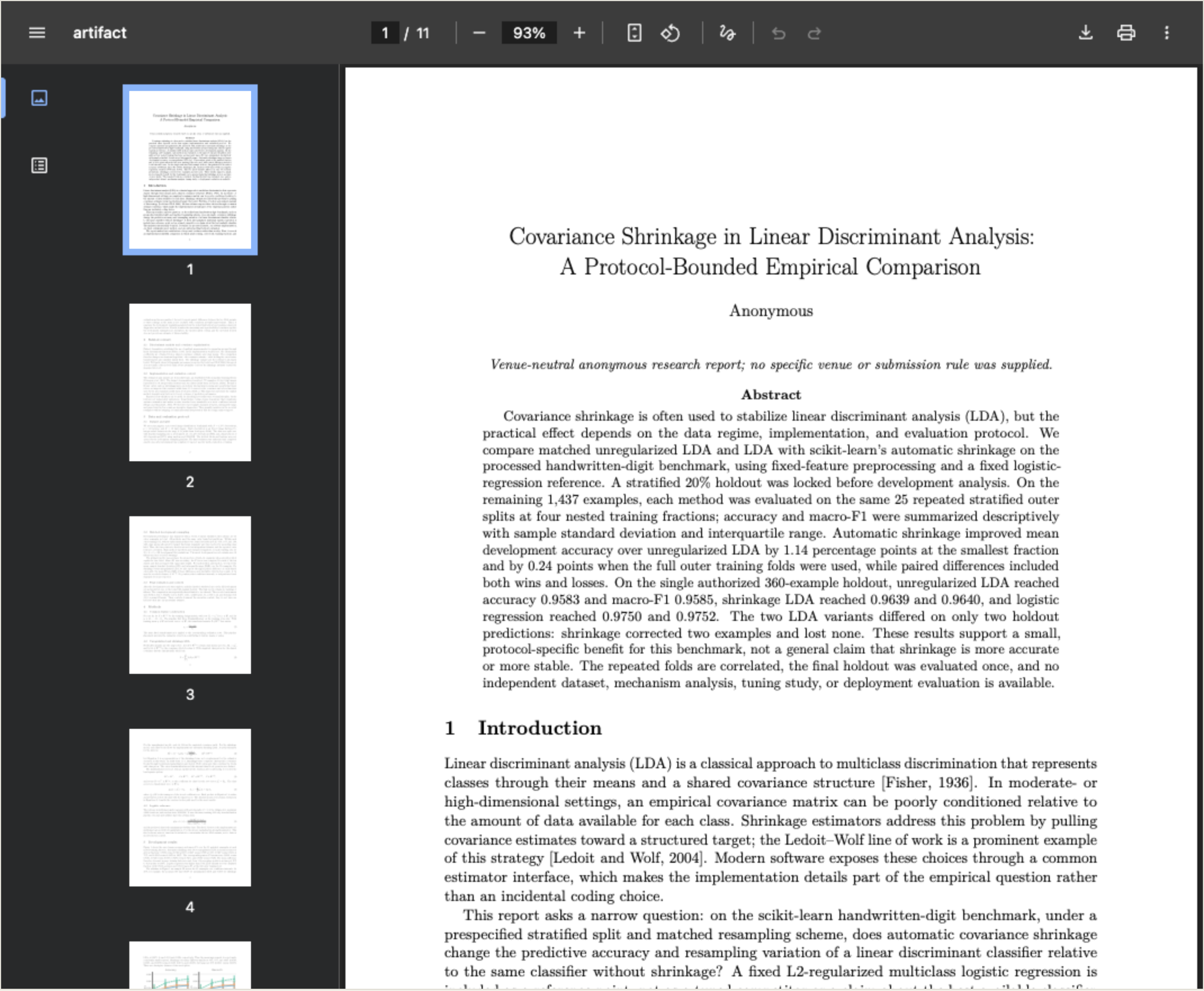
Use Manuscript to read the developing research story and identify missing evidence. Once reviewed results are recorded and project agents are idle, choose Generate paper. Select a general research report or specify the target venue and year. Check the writing model and reasoning setting before starting.
The internal agent writes from a frozen evidence snapshot, prepares figures and references, and compiles a PDF. Follow its progress in the product. A ready draft appears in Paper, where you can preview pages and download the PDF and source. Review notes and scientific claims before sharing; a compiled document is not automatically submission-ready.
If generation fails, read the reason and available recovery action. A previous ready draft remains available when a replacement fails. Research gaps should return to the research process rather than being filled with invented results.
Continue with Getting started, Research practices and Paper generation.